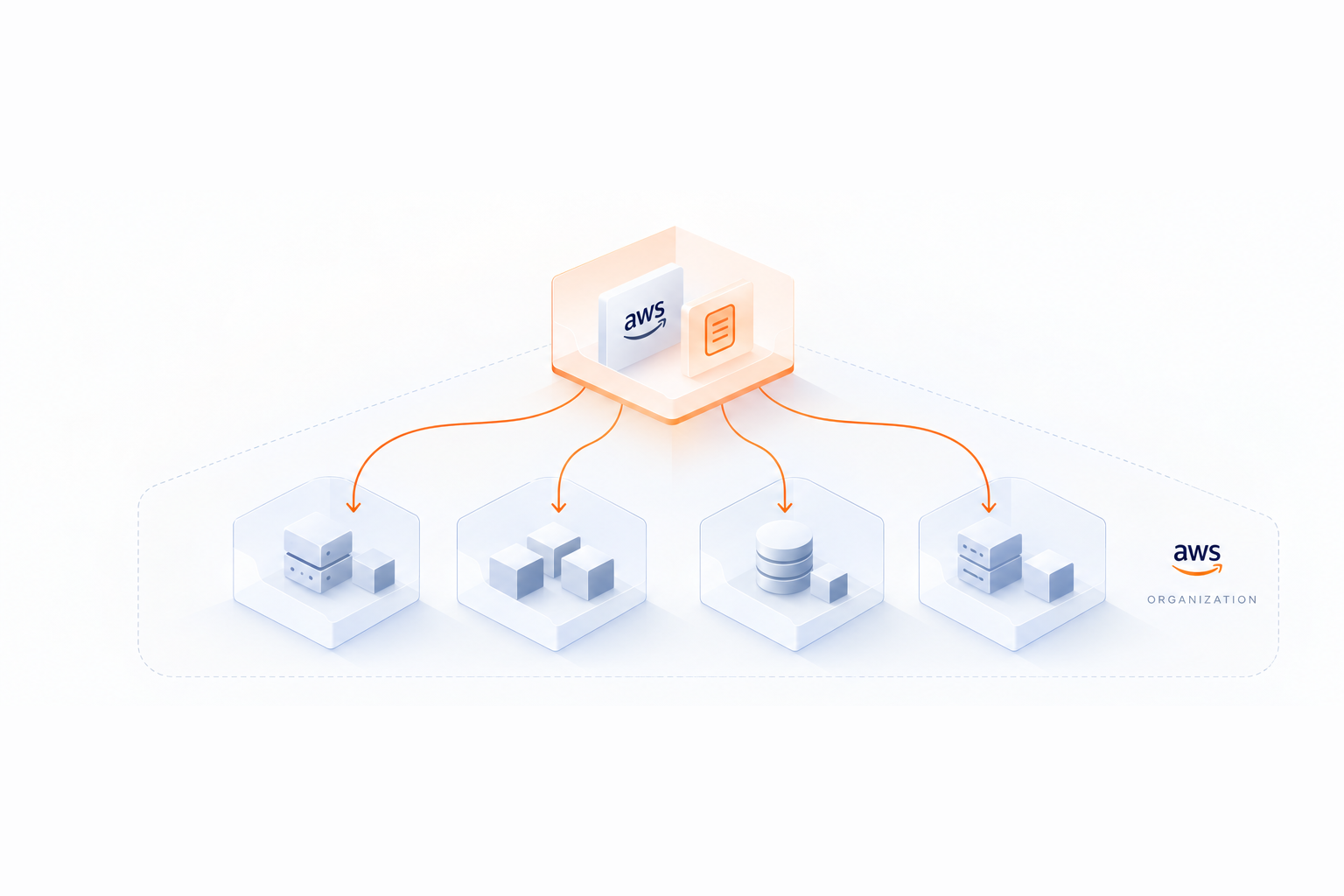
How to Calculate ROI for AWS Reserved Instances


AWS Reserved Instances (RIs) can save you up to 72% compared to On-Demand pricing, but only if you calculate their ROI properly. Here's what you need to know:
- What are RIs? Reserved Instances lock in discounts for 1- or 3-year terms by committing to specific instance configurations. They're ideal for predictable workloads like databases or applications.
- Types of RIs: Choose between Standard or Convertible RIs (offering different levels of flexibility and discount) and Savings Plans.
- Payment Options: Pay upfront (biggest savings), partially upfront, or no upfront (smallest savings, better cash flow).
- ROI Formula: Use
(Total Savings - Upfront Cost) / Upfront Costto determine your return. - Key Metrics to Track: RI utilization rate, amortized costs, net savings, and On-Demand cost equivalents.
- Tools to Help: AWS Cost Explorer, AWS Budgets, and third-party tools like Opsima simplify monitoring and optimization.
Quick Example: A 1-year m5.large instance in us-east-1 costs $840.96 On-Demand. With a Partial Upfront RI, you pay $200 upfront and $438 in recurring costs, saving $402.96 annually. ROI? About 101.5%.
Carefully analyze your workload patterns and payment preferences before committing. The right RI choice can significantly reduce your AWS costs.
AWS re:Invent 2016: Saving at Scale with Reserved Instances (ENT307)
What Are AWS Reserved Instances?
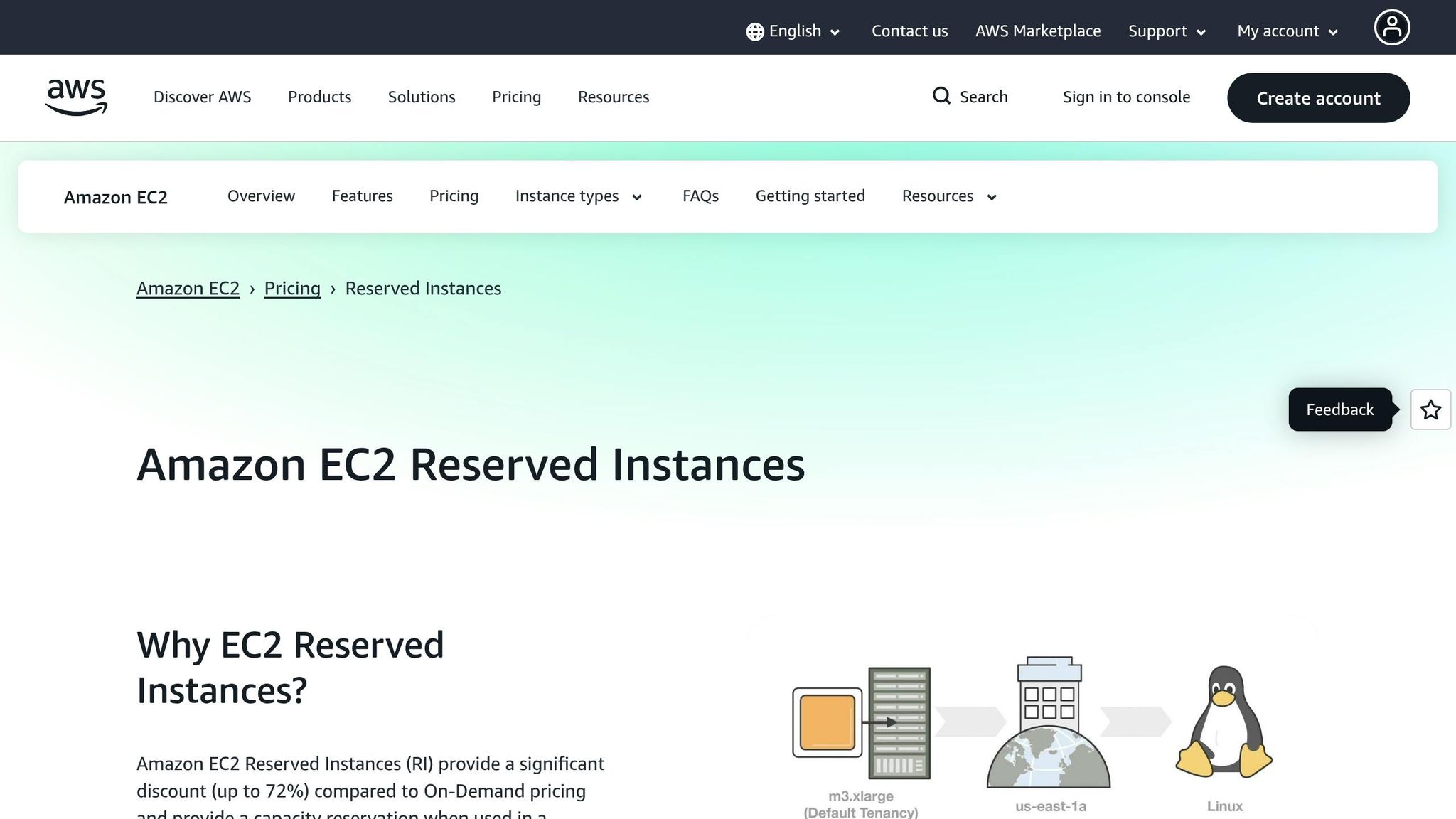
AWS Reserved Instances (RIs) offer cost-saving opportunities by providing discounts on On-Demand instance pricing when you commit to a specific instance configuration for a one- or three-year term. For example, you might reserve an m5.large instance in the US East region for a set period. Understanding how to choose your EC2 instances is essential before making such a commitment.
Unlike On-Demand instances, which only bill when they're running, Reserved Instances are charged hourly throughout the commitment period, regardless of whether the instance is actively used or not. In return for this upfront commitment, you gain access to discounted rates.
RIs come in two scopes, each catering to different needs:
- Regional Reserved Instances: Apply discounts to matching instances across any Availability Zone within the region.
- Zonal Reserved Instances: Reserve capacity in a specific Availability Zone, ensuring resources are available when required.
AWS also offers different types of Reserved Instances to suit varying levels of flexibility, which is a key part of smart commitment management.
Standard vs. Convertible Reserved Instances
Reserved Instances are available in two main types: Standard and Convertible, each designed for specific use cases and offering varying levels of flexibility.
- Standard Reserved Instances: These provide the highest discounts - up to 72% off On-Demand pricing. However, they lock you into the chosen instance family and operating system. While you can adjust certain attributes, like the Availability Zone or instance size (within the same family), switching to another instance family isn't allowed. If your requirements change, you can sell Standard RIs on the AWS Reserved Instance Marketplace.
- Convertible Reserved Instances: These are slightly more flexible, offering discounts of up to 66% off On-Demand rates. You can exchange them for other instance families, operating systems, or tenancy types during the term. However, Convertible RIs cannot be sold on the Marketplace, and upgrading to a more expensive configuration may involve an additional "true-up" fee.
Here’s a quick comparison of the two:
| Feature | Standard RI | Convertible RI |
|---|---|---|
| Maximum Discount | Up to 72% | Up to 66% |
| Change Instance Family | No | Yes |
| Change Operating System | No | Yes |
| Sell on Marketplace | Yes | No |
| Modify AZ/Size | Yes | Yes |
Payment Options: No Upfront, Partial Upfront, All Upfront
AWS provides three payment methods for Reserved Instances, allowing you to balance cost savings against cash flow:
- All Upfront: Pay the full cost at the start of the term. This option offers the largest discount and the best return on investment (ROI).
- Partial Upfront: Make a partial upfront payment, with the remaining cost billed at a reduced hourly rate over the term.
- No Upfront: Pay nothing initially and instead incur a discounted hourly rate throughout the term. While this option offers the smallest discount, it’s ideal for preserving cash flow. Note that AWS typically requires a strong billing history to qualify for this option.
The choice of payment option directly affects your savings. All Upfront delivers the greatest discount but demands higher initial capital, while No Upfront eases cash flow constraints at the cost of lower overall savings. These payment structures play a critical role in calculating ROI, which will be discussed further in the next section.
Gathering Data for ROI Calculation
To calculate ROI accurately, you need to start by pulling key data from your AWS account. This data is the foundation for determining the ROI of your Reserved Instances (RIs).
AWS offers several tools to help you gather this information. AWS Cost Explorer and the AWS Billing Console are the easiest places to start. For more detailed insights, the AWS Cost and Usage Report (CUR) provides a deeper level of data, updating up to three times daily.
Using the AWS Billing Console
The AWS Billing Console is a great resource for reviewing reservation data. The Reservations Overview section gives you a snapshot of your current savings compared to On-Demand usage and flags upcoming expiration dates.
For a more detailed breakdown, head to AWS Cost Explorer's "Reports" section. Here, you'll find the RI Utilization Report and the RI Coverage Report.
- The RI Utilization Report shows how much you've saved compared to On-Demand costs, the amortized costs of any unused RIs, and your total net savings.
- The RI Coverage Report highlights the percentage of instance hours covered by RIs versus On-Demand usage, which can help you decide if increasing RI coverage might improve ROI.
To get a clearer picture of costs, select "Amortized Costs." This view spreads upfront costs evenly over time. You can also set utilization targets (e.g., 80% or 90%) to identify underused reservations. A visual status bar helps track progress, with colors indicating performance: red for no usage, yellow for under target, and green for meeting the target.
With these tools, you can gather the financial and usage data needed for a thorough ROI analysis. To simplify this process, you can estimate your savings automatically with a personalized report.
Data Points You Need to Collect
Here’s a quick guide to the key metrics you'll need, along with where to find them:
| Metric Category | Data Points | Source Tool |
|---|---|---|
| Instance Attributes | Instance Type, Region, Platform, Tenancy, Scope (Zonal vs. Regional) | Cost Explorer / CUR |
| Financial Metrics | Upfront Fee, Recurring Hourly Fee, Amortized Upfront Cost, Effective RI Cost | Cost Explorer / CUR |
| Usage Metrics | RI Hours Purchased, RI Hours Used, RI Hours Unused, Total Running Hours | Cost Explorer |
| ROI Indicators | RI Utilization Rate (%), Net Savings, On-Demand Cost Equivalent | Cost Explorer |
- On-Demand Cost Equivalent: This is the cost of your used RI hours if they were billed at On-Demand rates. It serves as your baseline for comparison.
- Effective RI Cost: This includes both amortized upfront and recurring costs, showing what you actually paid for your RIs.
- Net Savings: The difference between the On-Demand Cost Equivalent and the Effective RI Cost. This represents your direct financial benefit from using RIs.
For the most detailed analysis, rely on the AWS Cost and Usage Report (CUR). According to AWS, "The AWS Cost and Usage Report contains the most comprehensive set of data about your AWS costs and usage, including additional information regarding AWS services, pricing, and reservations". Within the CUR, look for columns like reservation/UpfrontValue (total upfront payments), reservation/AmortizedUpfrontFeeForBillingPeriod (monthly allocation of upfront fees), and reservation/EffectiveCost (combined effective hourly rate).
Tip: If you're analyzing size-flexible RIs (e.g., Linux/Unix regional RIs), use Normalized Units instead of raw instance hours. This ensures a consistent comparison across different instance sizes within the same family - a crucial step for accurate ROI calculations. Additionally, you can download CSV files from Cost Explorer to perform offline modeling tailored to your business needs.
Calculating ROI for AWS Reserved Instances

AWS Reserved Instances Payment Options ROI Comparison
The ROI Formula and Its Components
The formula for calculating ROI on Reserved Instances is simple: (Total Savings - Upfront Cost) / Upfront Cost. This gives you the percentage return on your initial investment.
- Total Savings: This is the amount you save by using a Reserved Instance instead of On-Demand pricing. To calculate it, multiply the On-Demand hourly rate by the total hours in your term, then subtract the Reserved Instance costs (upfront payment plus any recurring hourly charges).
- Upfront Cost: This is the one-time payment required when purchasing either an All Upfront or Partial Upfront Reserved Instance. The formula is most applicable to these two payment options.
- Total Hours: This depends on the term length. For a 1-year term, there are 8,760 hours, while a 3-year term includes 26,280 hours.
It’s important to choose the right instance size to avoid unnecessary expenses. If you reserve an instance that’s too large for your needs, you’ll be stuck paying for unused capacity throughout the term.
Let’s break this down further with an example calculation.
Sample ROI Calculation
Here’s an example for a 1-year m5.large instance in us-east-1:
-
On-Demand Cost
Multiply the hourly rate by the total hours in a year:
$0.096 per hour × 8,760 hours = $840.96 for the year. -
Partial Upfront RI Costs
- Upfront Fee: $200
- Recurring Cost: $0.05 per hour × 8,760 hours = $438.00
-
Savings Calculation
- Gross Savings: Subtract the recurring cost from the On-Demand cost:
$840.96 - $438.00 = $402.96 - Net Savings: Subtract the upfront cost from the gross savings:
$402.96 - $200 = $202.96
- Gross Savings: Subtract the recurring cost from the On-Demand cost:
-
ROI
ROI = (Net Savings / Upfront Cost) × 100
ROI ≈ ($202.96 / $200) × 100 ≈ 101.5%
For the All Upfront option, which costs about $504.58 in total, the savings would be:
$840.96 - $504.58 = $336.38. Since there are no recurring hourly charges, this represents a roughly 40% discount. While the overall savings are higher, the percentage ROI depends on how you evaluate the initial investment.
This example highlights how your choice of payment method impacts ROI. The next section compares these differences.
Comparing ROI Across Payment Options and Terms
To understand how payment methods influence savings, here’s a comparison for a db.m5.2xlarge instance in us-east-1 over a 1-year term:
| Payment Model | Upfront Cost | Hourly Rate | Total (1 Year) | Savings vs. On-Demand |
|---|---|---|---|---|
| On-Demand | $0 | $0.684 | $5,991.84 | – |
| No Upfront | $0 | $0.438 | $3,836.88 | $2,154.96 (36%) |
| Partial Upfront | $1,828 | $0.209 | $3,658.84 | $2,333.00 (39%) |
| All Upfront | $3,582 | $0.000 | $3,582.00 | $2,409.84 (40%) |
“The difference between Partial Upfront and All Upfront is only $47 per year… Less than a fancy coffee.” – Geek Cafe
If cash flow is a concern, Partial Upfront is an appealing option since it captures most of the discount with a smaller initial investment.
For 3-year terms, savings can reach up to 72% with Standard Reserved Instances. However, these require a clear vision of your long-term needs. While Standard RIs offer the largest discounts, they don’t allow changes to instance families. Convertible RIs, on the other hand, provide some flexibility to exchange instances but at a slightly lower discount of up to 66%.
Another factor to consider is your break-even utilization rate - the minimum percentage of time an instance must run to make a Reserved Instance more cost-effective than On-Demand. For 3-year terms, this rate can range from 11% to 35%, while for 1-year terms, it’s typically between 28% and 56%.
Tools for Optimizing Reserved Instance ROI
Once you've calculated your ROI, the next step is to ensure you're getting the most out of your Reserved Instances (RIs). Here are some tools that can help you monitor and fine-tune their performance.
AWS Cost Management Tools
AWS provides several built-in tools to help you track and optimize your RI usage. Cost Explorer is a key resource, offering up to 13 months of historical spending data and generating reports on RI utilization and coverage.
"Cost Explorer provides you with an overview of your current reservations, shows your utilization and coverage, and calculates reservation recommendations that could save you money if you purchase them." – AWS Documentation
With RI Recommendations, AWS simulates potential usage combinations across services like EC2, RDS, and DynamoDB. These recommendations are refreshed at least once every 24 hours, ensuring they stay relevant. Cost Explorer also allows you to forecast spending for up to 18 months, using trends from your historical data.
For proactive monitoring, AWS Budgets lets you set custom targets and receive alerts when thresholds are approached. Additionally, Reservation Expiration Alerts notify you well in advance - 7, 30, or 60 days before your reservation expires - helping you avoid unexpected shifts to On-Demand pricing.
These tools simplify the process of tracking and optimizing your RIs, ensuring you consistently achieve savings over time.
Opsima: Automated AWS Cost Optimization
If you're looking for a hands-off approach to managing Reserved Instances, Opsima might be the solution you need.
Manually managing RIs can be time-consuming, requiring constant tracking and adjustments. Opsima automates this process, taking just 15 minutes to set up. Once configured, it continuously optimizes Reserved Instances and Savings Plans across various AWS services, including EC2, RDS, Lambda, ElastiCache, OpenSearch, and SageMaker.
Opsima's standout feature is its ability to optimize rates without altering your infrastructure. By analyzing your usage patterns, it adjusts your commitments to secure the lowest effective rates. This flexibility ensures that your costs remain optimized even as your workloads evolve. Importantly, Opsima manages this without accessing your customer data, offering peace of mind.
For businesses juggling multiple services or dealing with fluctuating workloads, this automated approach can cut cloud costs by up to 40%, all while minimizing the risks of over-committing.
Conclusion
Calculating ROI for AWS Reserved Instances helps you make smarter financial decisions by identifying the break-even utilization points - the minimum usage needed to justify the cost compared to On-Demand pricing. This insight ensures you avoid overcommitting to resources that might go unused, saving money and preventing waste.
The process we’ve outlined - gathering data from the AWS Billing Console, using the ROI formula, and comparing payment options - provides a straightforward way to decide if a 1-year or 3-year term works better for your needs. For instance, a 3-year Light Utilization RI can break even with just 11% usage, while a 1-year Heavy Utilization RI requires closer to 56%. These benchmarks are crucial when weighing cost stability against the need for flexibility.
This foundation also opens the door to automation for fine-tuning your cost strategy. While AWS tools offer excellent monitoring, manual management becomes harder as your environment scales. Automation simplifies this. Opsima, for example, continuously optimizes Reserved Instances and Savings Plans across services like EC2, RDS, and Lambda - without altering your infrastructure or accessing your data. For businesses with dynamic workloads, this can cut cloud costs by up to 40% while keeping commitment risks low.
FAQs
What utilization rate makes an RI worth it?
When considering a Reserved Instance (RI), it typically makes sense if its utilization rate reaches 70-80% or higher. At this level, you're making good use of the reserved capacity, which helps you save money while minimizing the risk of paying for unused resources.
How do I compare ROI for 1-year vs. 3-year RIs?
When weighing the ROI of 1-year vs. 3-year Reserved Instances (RIs), it’s important to look at both cost savings and how well each term fits your workload needs. A 3-year RI typically offers a larger discount compared to a 1-year RI, but it demands a higher level of confidence in your workload's stability and predictability over time.
To make an informed decision, use AWS pricing tools to estimate the total cost for each option. Then, compare these costs to the equivalent on-demand pricing to see the potential savings. The key is to align your reservation plan with your workload forecasts - this ensures you’re getting the best return on your investment, regardless of whether you choose a shorter or longer commitment.
Which AWS reports give the best ROI inputs?
The AWS Cost and Usage Report and Reserved Instance Reports in AWS Cost Explorer are excellent tools for gathering ROI-related data. The Cost and Usage Report breaks down detailed information about costs, usage, and any applied discounted rates. On the other hand, Reserved Instance Reports provide a clear view of reservation usage, coverage, and savings. By using these reports together, you can monitor savings, pinpoint unused reservations, and accurately calculate ROI.