How Reserved Instance Expiration Impacts AWS Costs


Reserved Instances (RIs) provide discounted pricing for AWS services but don’t renew automatically. When an RI expires, your costs can increase sharply as instances revert to On-Demand rates. For example:
- m5.xlarge: Costs jump from $53.29 (RI) to $140.16 per month, a 62% increase.
- r5.4xlarge: Costs rise from $278.13 (RI) to $736.00, adding $457.87 monthly.
Without monitoring, this can lead to unexpected budget spikes, sometimes as high as 30-60%. To avoid this, you should:
- Set up expiration alerts in AWS to track RI end dates.
- Use tools like AWS Cost Explorer to analyze usage and decide whether to renew.
- Consider Savings Plans for more flexibility if workloads change.
Automation tools like Opsima simplify RI management by tracking usage and automating renewals, helping reduce costs by up to 40%. Managing RI expirations proactively ensures predictable cloud expenses and avoids financial surprises.
What happens when my Amazon EC2 Reserved Instance expires?
The Cost Impact of Reserved Instance Expiration

AWS Reserved Instance vs On-Demand Cost Comparison by Instance Type
How Expiration Increases Your AWS Bill

When a Reserved Instance expires, the cost of running instances jumps from discounted rates to the more expensive On-Demand pricing. Take the m5.xlarge instance as an example: at On-Demand rates, it costs $0.192 per hour, which adds up to $140.16 per month (based on 730 hours). Compare that to a 3-year All Upfront Reserved Instance, where the same instance costs just $53.29 per month. That’s a difference of $86.87 per month - a savings of about 62%.
After expiration, instead of continuing to pay the discounted $53.29, you’re back to the On-Demand rate of $140.16 per month. For larger instances, this cost jump can be even more dramatic. A c5.2xlarge instance, for instance, increases from $93.44 per month under a Reserved Instance to $248.20 On-Demand, an extra $154.76 per month. Similarly, an r5.4xlarge instance sees a rise from $278.13 per month to $736.00, a hefty increase of $457.87 monthly.
| Instance Type | On-Demand Monthly (730 hrs) | 3-Year RI Monthly (All Upfront) | Monthly Cost Increase After Expiration |
|---|---|---|---|
| m5.xlarge | $140.16 | $53.29 | $86.87 |
| c5.2xlarge | $248.20 | $93.44 | $154.76 |
| r5.4xlarge | $736.00 | $278.13 | $457.87 |
These examples highlight how unmonitored expirations can lead to steep cost increases.
Risks of Not Managing Expirations
One major risk of ignoring Reserved Instance expirations is bill shock. While your instances keep running without any interruptions, the sudden jump in costs can wreak havoc on your budget forecasts and strain relationships between finance and engineering teams.
"Effectively managing RDS RI renewals is a critical FinOps function that prevents this 'renewal cliff' and ensures that cost savings are sustained over the long term." – Binadox
Beyond unexpected cost spikes, there’s also the risk of over-commitment. If your workloads change - say you migrate from x86 to Graviton instances - but you’re still holding Reserved Instances for the older instance family, you’re essentially paying for resources you no longer need. This issue is especially problematic with Amazon RDS, where Reserved Instances can’t be resold on the AWS RI Marketplace. Once purchased, the commitment is locked in.
AWS Services Affected by RI Expiration
The impact of Reserved Instance expiration isn’t limited to EC2. It extends across many AWS services. For Amazon EC2, costs can shoot up by as much as 72% when Reserved Instances expire. Similarly, Amazon RDS may experience increases ranging from 30% to 60%, with the added challenge that RDS Reserved Instances are non-resellable.
Other services, such as Amazon ElastiCache, Amazon OpenSearch Service, and Amazon Redshift, can face cost hikes of up to 75% post-expiration. These managed services often run predictable workloads, making them prime candidates for Reserved Instances. However, this predictability also means that expiration can have a noticeable financial impact if not addressed proactively.
How to Monitor Reserved Instance Expirations
Setting Up Expiration Alerts in AWS
AWS makes it simple to keep track of your Reserved Instances (RIs) with built-in expiration alerts. Through the Billing and Cost Management console, you can enable notifications that let you know when an RI is nearing its expiration date. These alerts can be configured to notify you 7, 30, or 60 days before expiration, as well as on the actual expiration date.
To get started, navigate to the Reservations tab in the Billing and Cost Management console and select Manage alert subscriptions. You can set up these alerts to notify up to 10 email recipients, ensuring that key stakeholders - like finance teams or engineering leads - stay informed.
These alerts are compatible with several AWS services, including Amazon EC2, RDS, Redshift, ElastiCache, and OpenSearch Service. Once activated, they require no additional setup. AWS automatically tracks the expiration dates of your reservations and sends notifications based on the schedule you selected.
When you start receiving these alerts, it’s a good time to review your RI utilization to decide if renewing them makes sense for your current needs.
Tracking RI Usage and Coverage
After setting up alerts, it’s important to evaluate how well your Reserved Instances are performing. This involves looking at usage and coverage data. Knowing when an RI expires is only part of the equation; you also need to determine if renewing it is worthwhile. That’s where the AWS Cost Explorer reports for utilization and coverage come into play.
- Utilization: This report shows how much of your Reserved Instance you’re actually using. If your workload isn’t running enough hours to fully leverage the RI, you’ll notice low utilization percentages.
- Coverage: This metric measures how much of your total instance usage is benefiting from RI discounts versus being charged at On-Demand rates. A drop in coverage near expiration may indicate that your workload patterns have shifted, making renewal less beneficial.
To add another layer of oversight, you can use AWS Budgets to create Reservation Budgets. These budgets let you set thresholds - like 80% or 90% utilization or coverage - and trigger alerts when those thresholds aren’t met. Notifications can be sent via email, Amazon SNS, or even tools like Slack and Chime using AWS Chatbot. Just keep in mind that it can take up to 48 hours for reservation metrics to appear in the console after purchasing a new RI.
Strategies to Manage RI Expiration and Reduce Costs
Planning RI Renewals in Advance
Start planning for Reserved Instance (RI) renewals at least 60 days in advance. Use tools like AWS Cost Explorer to analyze historical usage patterns and establish a baseline. Set up alerts at 90, 60, and 30 days to stay on top of renewal deadlines.
Before renewing, resize instances to avoid overcommitting to unused capacity. CloudWatch metrics can help verify whether your current instance sizes match your actual workload requirements.
"The biggest Reserved Instance mistake is not buying them. The second biggest is buying them without understanding your workload patterns first." - Nawaz Dhandala, Author
When choosing term lengths, align them with workload stability. A three-year commitment can save up to 72%, while a one-year term offers 30–40% savings. While longer terms maximize discounts, they also carry more risk if your infrastructure needs shift. For production environments, aim for 70–80% reservation coverage to strike a balance between savings and flexibility.
Consider spreading your RI purchases across monthly or quarterly intervals to adjust coverage as your needs evolve. If a Reserved Instance becomes unnecessary, you can sell unused Standard RIs on the AWS Reserved Instance Marketplace to recoup some costs. These proactive strategies help you avoid sudden cost increases and work well alongside more flexible options, like Savings Plans.
Considering Savings Plans Instead of RIs
AWS Savings Plans provide a more flexible alternative to Reserved Instances while still offering competitive discounts. Instead of locking into a specific instance type, you commit to a spend amount per hour (e.g., $/hour).
- Compute Savings Plans: Offer flexibility across regions, instance families, and operating systems.
- EC2 Instance Savings Plans: Allow flexibility within a specific instance family and region.
Choosing between Standard RIs and Savings Plans depends on your workload; RIs are ideal for stable capacity in specific zones, while Savings Plans suit dynamic environments.. Keep in mind that AWS prioritizes RI discounts when both RIs and Savings Plans apply to the same usage. The table below compares these options to help you decide.
Using Cost Comparison Tables
This table summarizes the differences between On-Demand pricing, RIs, and Savings Plans, making it easier to weigh cost against flexibility.
| Pricing Model | Discount Level | Flexibility | Best Use Case |
|---|---|---|---|
| On-Demand | 0% (Baseline) | Highest | Short-term, unpredictable workloads |
| 1-Year RI | ~30–40% | Moderate | Stable workloads with a 12-month outlook |
| 3-Year RI | ~60–75% | Low | Highly predictable, long-term core infrastructure |
| Savings Plans | Up to 72% | High | Dynamic environments with changing instance types |
The table also highlights the trade-offs between flexibility and savings. For instance, Savings Plans typically cost 3–6 percentage points more than Standard RIs but provide the ability to switch instance types or regions. If a Standard RI offers 72% savings, a Compute Savings Plan might save you 66%, effectively charging a small premium for added adaptability.
Finally, use the AWS Purchase Analyzer (introduced in November 2024) to evaluate the impact of expiring RIs and compare new commitment options before making renewal decisions. This tool can help you model various scenarios and make informed choices.
Automated Cost Optimization with Opsima
What Opsima Offers
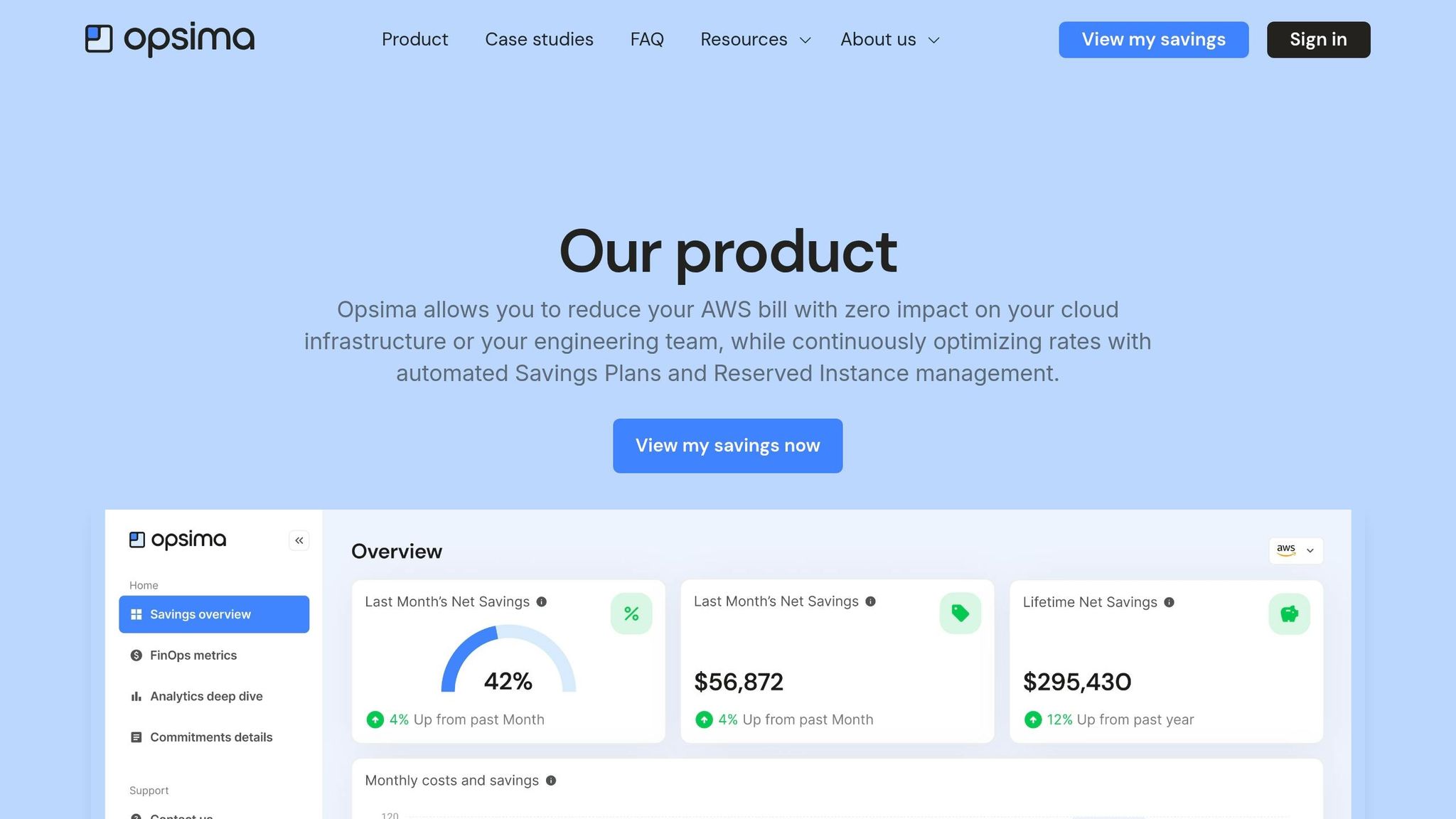
Opsima takes the hassle out of managing AWS commitments like Reserved Instances (RIs) and Savings Plans. It works seamlessly with key AWS services such as EC2, ECS, Lambda, RDS, ElastiCache, Open Search, and SageMaker, helping you lock in the best possible rates across your cloud infrastructure.
The setup process is quick - just 15 minutes - and completely safe. Opsima doesn't access your customer data or applications, nor does it alter your infrastructure. Its sole focus? Optimizing your commitment strategy to slash your AWS costs by up to 40%.
Compare this to manual management, where you’d need to set alerts weeks or months in advance, constantly monitor usage, and make adjustments manually. Opsima eliminates this tedious process by offering real-time monitoring and automatic adjustments as your usage evolves.
How Automation Simplifies RI Management
When Reserved Instances expire without renewal, the discounts disappear, leaving you with a sudden spike in costs. Manual management of RIs can be overwhelming - tracking expiration dates, analyzing usage trends, and making timely renewal decisions is no small task. If you miss a renewal, your instances keep running, but at full price, which can lead to a much higher monthly AWS bill.
Opsima solves this problem by automating the renewal process. It continuously analyzes your infrastructure, adjusts commitments as your needs change, and ensures you always have the right coverage. Whether your workloads grow, shift between services, or require different instance types, Opsima adapts, keeping your costs low and your flexibility intact.
Conclusion
When Reserved Instances (RIs) expire, your AWS costs can jump - by as much as 72% - as instances switch back to full on-demand pricing. This sudden increase erases the discounts you previously enjoyed, leading to higher monthly expenses. While your instances continue running, the loss of those discounts can strain your budget, making it crucial to plan renewals and align cloud commitments with real-time usage to avoid waste.
Managing RI expirations manually can be a tedious and error-prone task. It involves constantly setting up alerts, tracking usage, and ensuring timely renewals. Missing a deadline means reverting to on-demand pricing, which can be especially challenging for organizations with complex or dynamic workloads. The process quickly becomes a logistical headache.
Automation offers a better solution. Tools like Opsima continuously track your AWS usage across services such as EC2, RDS, Lambda, and ElastiCache. By automating this process, you eliminate the risks of missed renewals and sudden cost increases. Automation not only ensures optimal RI coverage but also provides the flexibility to adapt as your business scales.
The financial benefits of automation are clear. While manual RI management can secure discounts of up to 72%, automated solutions can uncover an additional 10–20% in savings - savings that are often missed with spreadsheets and manual forecasting. For businesses spending $50,000 or more per month on AWS, these extra savings can translate into thousands of dollars recovered. You can estimate your savings to see how much your organization could recover.
RI expirations don’t have to disrupt your budget. By combining proactive planning with automated tools like Opsima, you can lock in consistent savings and maintain predictable cloud costs every month.
FAQs
How can I see which RIs will expire soon?
You can easily keep track of your Reserved Instances (RIs) and their expiration dates through the AWS Management Console. The AWS Cost Explorer is especially helpful, as it highlights reservations that are close to expiring and sends alerts 7, 30, or 60 days before the expiration date.
Another tool, AWS Trusted Advisor, monitors your EC2 RI leases and provides recommendations on whether to renew or replace them. If you'd rather check expiration details directly, head to the Reserved Instances section in the EC2 console for a detailed view.
How do I know if renewing an RI is still worth it?
When deciding whether to renew a Reserved Instance (RI), it’s important to evaluate your current and future workload requirements, how well the RI has been utilized, and whether it still aligns with your usage patterns. Tools like AWS Cost Explorer can be incredibly helpful in spotting underutilized RIs.
If your workload remains consistent and the RI continues to fit your needs, renewing it can lead to significant cost savings. On the other hand, if your usage patterns have shifted substantially, it might be time to rethink or adjust your reservations before committing to a renewal.
When should I choose a Savings Plan instead of an RI?
Savings Plans are a great option when your compute needs are unpredictable or constantly changing. With Compute Savings Plans, you commit to spending a specific dollar amount per hour. This flexibility allows you to use any EC2 instance type, across any region, operating system, or tenancy. It’s perfect for workloads that vary or evolve over time.
On the other hand, if your workloads are steady and predictable, Reserved Instances might be a better fit. These are ideal for specific instance requirements and offer cost benefits when committed to 1- or 3-year terms.