High Lambda Costs? Solutions to Common Problems


AWS Lambda can save you money compared to traditional servers, but hidden costs often catch teams off guard. Here's how to avoid overspending:
- Key Cost Drivers: Charges depend on the number of requests, execution time, and memory usage.
- Hidden Costs: VPC networking, data transfer, excessive logging, and idle wait times can inflate bills unexpectedly.
-
Optimization Tips:
- Fine-tune memory and CPU using AWS Power Tuning.
- Switch to Graviton2 processors for lower rates.
- Use Step Functions to reduce idle time costs.
- Monitor ephemeral storage to avoid unnecessary charges.
- Leverage AWS Savings Plans for consistent usage discounts.
- Automation: Tools like Opsima can automate optimizations, cutting costs by up to 40%.
AWS Lambda Cost Optimization | Serverless Office Hours
AWS Lambda Pricing Model Explained
Grasping how AWS charges for Lambda is key to managing your expenses. The pricing revolves around three main elements:
- The number of requests your functions handle
- The time they run (measured in GB-seconds)
- Any additional resources you configure
AWS provides a free tier that includes 1 million requests and 400,000 GB-seconds of compute time every month. Beyond these limits, you’ll pay $0.20 per million requests.
Duration charges depend on two things: how long your function runs (rounded to the nearest millisecond) and the amount of memory you allocate, which can range from 128 MB to 10,240 MB.
For x86-based functions, the rate is $0.0000166667 per GB-second, while Arm-based Graviton2 functions cost slightly less at $0.0000133334 per GB-second.
Main Cost Factors
Request charges are incurred every time your function is triggered, whether it’s through an API Gateway call, an S3 event, or an SNS notification. For example, if your function processes 10 million requests in a month, you’ll pay $2.00 in request fees after exhausting the free tier.
Duration and memory allocation work together as a cost multiplier. Allocating more memory also increases CPU power, which can be helpful but may lead to higher costs if your code is inefficient or spends time idling. For instance, a function configured with 1,024 MB (1 GB) running for 100 milliseconds consumes 0.1 GB-seconds. At x86 rates, that’s about $0.0000016667 per invocation. Keep in mind that duration charges apply to all code execution, including initialization code outside your handler.
Ephemeral storage is another factor to consider. AWS provides 512 MB of storage for free, but if your function requires more - up to 10,240 MB - you’ll be charged $0.0000000309 per GB-second for the extra storage. This is particularly relevant when working with large files in the /tmp directory.
Hidden Costs to Monitor
In addition to the obvious charges, there are several less apparent costs that can catch you off guard.
VPC networking is a frequent source of extra expenses. If your function operates within a VPC and needs internet access, traffic must pass through a NAT Gateway, which incurs hourly charges and data processing fees.
Data transfer costs are another consideration. While the first 6 MB of HTTP response streaming per request is free, transferring data out of your AWS region or between regions comes with extra charges. Similarly, CloudWatch Logs can add up. AWS bills for both log ingestion (per GB) and storage (per GB-month), and since logs are retained indefinitely by default, these costs can quietly accumulate over time.
Idle wait time is especially tricky. If your function is waiting on external API calls or database queries, you’re paying for every millisecond of that wait. This issue becomes even more pronounced when using Lambda to orchestrate other functions.
Switching to Step Functions for workflow orchestration can help avoid unnecessary duration charges. These pricing details highlight common configuration pitfalls that can unexpectedly inflate your Lambda bill.
Common Problems and Solutions for High Lambda Costs

5 Common AWS Lambda Cost Problems and Solutions
Misconfigurations in AWS Lambda setups can lead to inflated bills. Below are five common issues and practical fixes to help you reduce costs. Each problem ties back to the Lambda pricing model, so addressing these inefficiencies can make a noticeable difference.
Problem 1: Poor Memory and CPU Configuration
Allocating too much memory increases your bill unnecessarily, while under-provisioning slows execution, which can drive up duration charges. Striking the right balance is key.
To optimize memory and CPU settings:
- Use AWS Lambda Power Tuning for quick adjustments.
- Leverage AWS Compute Optimizer for in-depth, long-term tuning.
These tools ensure you’re only paying for the resources your functions actually need.
Problem 2: Using x86 Architecture Instead of Graviton2
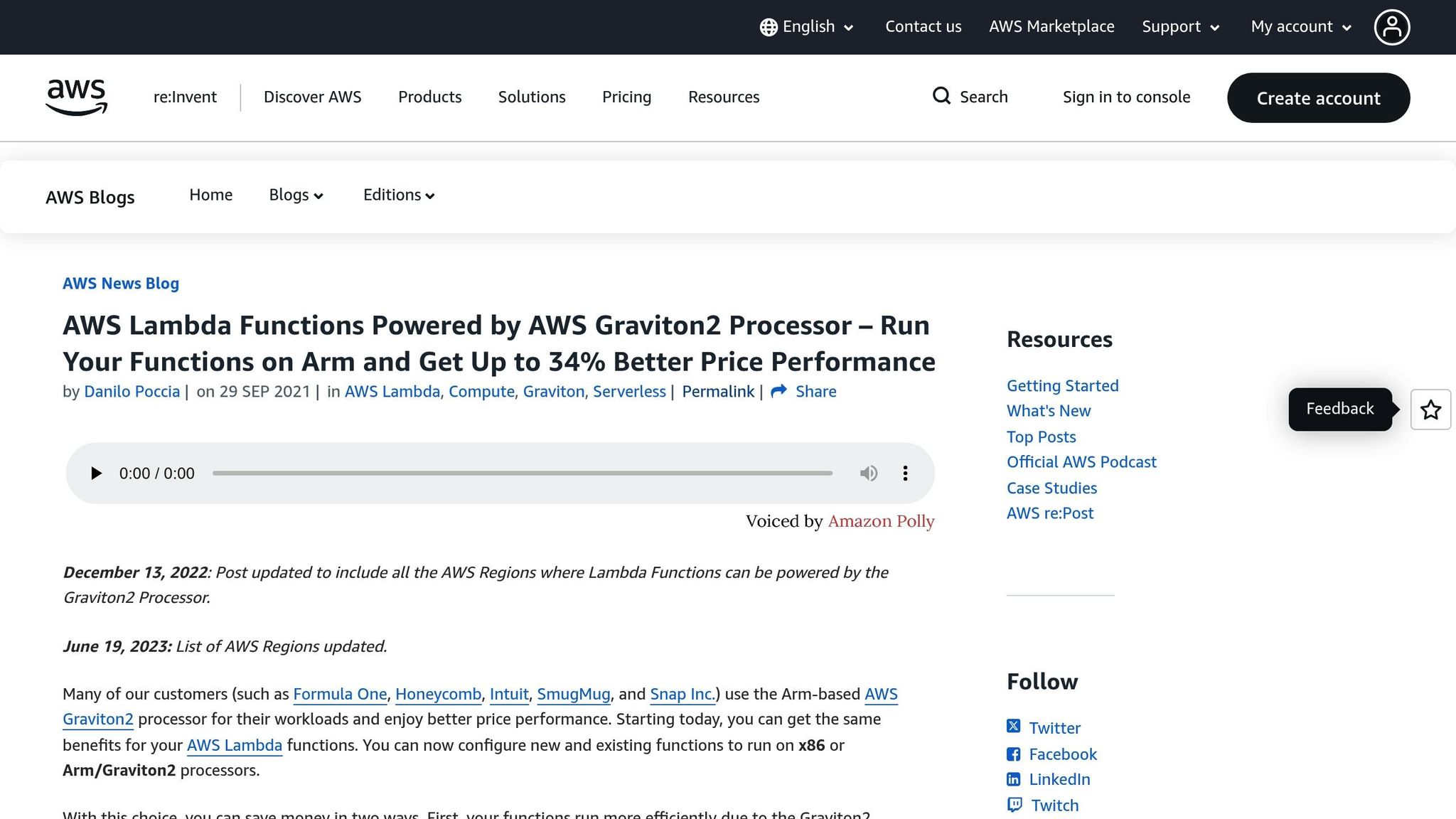
Using x86 architecture can cost about 20% more per millisecond of execution time compared to Graviton2. Graviton2 not only reduces costs but also offers up to 19% better performance.
Switching to Graviton2 (arm64) can be straightforward for many functions, especially those written in languages like Python, Node.js, or Java:
- For interpreted code, update the architecture setting via the AWS Console or CLI and test the changes.
- For functions using container images or compiled binaries, rebuild them specifically for arm64.
You can gradually roll out the changes using Lambda Aliases, directing a small percentage of traffic to the Graviton2 version. Monitor performance through CloudWatch metrics before fully transitioning. Combining this with memory tuning can significantly lower your costs.
Problem 3: Cold Starts and Idle Time
Cold starts - when a new execution environment initializes - affect less than 1% of invocations. However, unnecessary dependencies during startup can add delays. Similarly, idle wait times can accumulate when one function waits for another to respond or orchestrates multiple AWS services.
To address these issues:
- Use Provisioned Concurrency for consistent performance.
- Implement AWS Step Functions to eliminate idle wait time.
These adjustments help streamline execution and reduce unnecessary charges.
Problem 4: Excessive Ephemeral Storage Usage
Lambda includes 512 MB of free ephemeral storage in the /tmp directory, but increasing storage beyond this limit (up to 10,240 MB) incurs additional costs - about $0.0000000309 per GB-second.
Monitor your storage usage and allocate only what your function needs. For most cases, the default 512 MB is sufficient. Keeping storage usage in check ensures you’re not paying for resources you don’t use.
Problem 5: Missing Savings Plans and Discounts
Savings Plans and Reserved Instances can lower costs significantly once you’ve established consistent usage patterns. Compute Savings Plans, for instance, can reduce costs by up to 27%. These plans apply to both duration charges and Provisioned Concurrency, regardless of whether you’re using x86 or Graviton2.
To get started:
- Use the AWS Pricing Calculator to model your commitment level based on historical usage data.
- Even a partial commitment covering your baseline workload can generate meaningful savings while still allowing for on-demand scaling during traffic spikes.
sbb-itb-0f2edab
Using Opsima for Automated Lambda Cost Optimization
The optimizations above (memory tuning, Graviton, reducing idle time, logging discipline, etc.) essentially help you use less Lambda. There’s a separate lever that helps you pay less for the usage you still have: Savings Plans (especially Compute Savings Plans, which apply to Lambda duration and Provisioned Concurrency).
Savings Plans can be worth it once you have a stable baseline, but getting the commitment level right is fiddly: commit too little and you miss discounts; commit too much and you create waste. That’s the part Opsima focuses on.
How Opsima Works
Opsima connects to your AWS account in ~15 minutes, without changing your infrastructure or touching application data. Instead of tuning function settings, Opsima looks at your spend and usage patterns and automates the “commitment management” work:
- Forecasts usage for Savings Plans coverage (including Lambda where applicable)
- Purchases and manages commitments automatically as your usage evolves
- Keeps things flexible by adapting when traffic, architectures, or workloads change
- Ensures you don’t get stuck with any Savings Plans that you wouldn’t need anymore
In practice, it’s a way to stop treating Savings Plans like a one-time spreadsheet exercise and make it an ongoing, automated process.
Why it can help (without replacing the optimizations above)
Opsima is additive to the engineering optimizations in this article: you still right-size memory, reduce idle time, and so on — Opsima just helps ensure the remaining steady-state usage benefits from the best available commitment discounts.
It’s also low-friction to try: pricing is typically pay-as-you-save, so if it doesn’t generate savings, you don’t pay. And because it doesn’t require code changes or infrastructure redesign, it’s a straightforward layer on top of whatever optimization approach you’re already using.
Conclusion
Effectively managing AWS Lambda costs doesn't have to be overwhelming. Small, strategic adjustments - like switching to Graviton2 processors (which can cut costs by about 20%), fine-tuning memory allocations, and setting realistic timeouts - can lead to noticeable savings. It’s also important to keep an eye on hidden costs, such as ephemeral storage, CloudWatch logging, and provisioned concurrency.
While these manual techniques - like event filtering, batch processing, and asynchronous patterns - can reduce expenses, they require ongoing attention and effort.
Additionnally, services like Opsima automating commitment management can help you deliver additional savings, by ensuring you pay the possible best rate for Lambda, and keeping your infrastructure flexible and lock-in free.
FAQs
How can I lower idle time costs in AWS Lambda?
To cut down on idle time expenses in AWS Lambda, focus on reducing unnecessary function triggers and fine-tuning how long functions sit idle before doing actual work.
- Filter events before triggering Lambda: Use event source filtering tools (like SQS or Kinesis) to ensure your functions are only activated by relevant payloads, avoiding needless executions.
- Ditch polling patterns: Replace polling loops with event-driven triggers to eliminate idle execution periods.
- Adjust memory and explore Graviton2: Choose the smallest memory allocation that still meets your performance requirements, and consider switching to Graviton2 processors for potential cost savings.
- Be precise with Provisioned Concurrency: Only provision what’s necessary for peak demand to avoid paying for idle containers during low-traffic periods.
For hands-free savings, tools like Opsima can monitor your Lambda usage, spot inefficiencies, and automatically apply optimizations - potentially cutting costs by up to 40%. These steps can help you keep idle time costs in check and make the most of your AWS Lambda resources.
How can switching to Graviton2 processors lower AWS Lambda costs?
Switching your AWS Lambda functions to Graviton2 (ARM) processors can help cut costs thanks to their lower per-millisecond billing rates. On top of that, these processors often deliver better execution performance, allowing your functions to run faster and use resources more efficiently.
Optimizing for Graviton2 offers an excellent mix of cost savings and improved performance, making it a practical option for a variety of serverless workloads.