Automating EBS Cost Savings: Rules, Safety, and Rollback


Cloud cost optimization remains a critical focus for cloud infrastructure managers, CTOs, and FinOps teams striving to maintain operational efficiency without compromising performance. In a recent deep dive into AWS Compute Optimizer's latest features, AWS experts unveiled a transformative solution for automating EBS (Elastic Block Store) cost savings. This article breaks down the insights shared during the discussion, providing a clear pathway to leveraging these tools.
Introduction: The Need for Automation in Cloud Cost Optimization
Managing cloud resources efficiently has become increasingly complex as organizations scale. AWS Compute Optimizer addresses this challenge with automated solutions designed to reduce operational overhead and improve cost efficiency. Two key areas of focus in their recent update include cleaning up unattached EBS volumes and upgrading EBS volume types from GP2 to GP3. These actions aim to provide measurable financial savings while ensuring data integrity and operational safety.
In this article, we’ll explore how these automated workflows function, their benefits, and how decision-makers can implement them within their cloud environments.
What Is AWS Compute Optimizer?
AWS Compute Optimizer is a service designed to help organizations analyze and enhance the efficiency of their AWS workloads. It provides recommendations for adjusting EC2 instances, EBS volumes, and other AWS resources based on usage patterns. While it has historically focused on delivering insights, recent updates have taken it a step further by enabling automated actions.
This move toward automation addresses a common pain point: recommendations that are not acted upon due to operational effort, risk aversion, or low prioritization. With automation, Compute Optimizer now helps you take action - safely and efficiently.
Key Features of EBS Automation
The latest update to AWS Compute Optimizer introduces automation capabilities for two specific use cases:
1. Cleaning Up Unattached EBS Volumes
Unattached EBS volumes are a common source of unnecessary costs in cloud environments. These volumes often linger after workloads are completed or terminated, incurring charges even when unused. AWS Compute Optimizer now allows organizations to automate the process of snapshotting and deleting these volumes.
Why It Matters:
- Savings Potential: By identifying and cleaning up abandoned resources, you eliminate waste without manual intervention.
- Data Safety: Snapshots are created before deletion, ensuring data can be restored if needed.
- Operational Simplicity: Automating this process reduces the burden on engineering teams.
2. Upgrading EBS Volume Types from GP2 to GP3
AWS GP3 volumes offer improved performance and cost savings compared to older GP2 volumes. Compute Optimizer automates the upgrade process, allowing organizations to seamlessly transition workloads to the latest generation of storage.
Why It Matters:
- Cost Reduction: GP3 volumes are up to 20% cheaper than GP2 volumes.
- No Downtime: The upgrade process is non-disruptive, ensuring business continuity.
- Performance Gains: Transitioning to GP3 unlocks better IOPS and throughput capabilities.
Safeguards and Guardrails: Ensuring Safe Automation
A major concern with automation is the risk of unintended consequences, such as impacting production workloads. AWS has addressed this by building robust safeguards into Compute Optimizer’s automation workflows:
- Resource State Validation: Before taking action, the system verifies that the resource’s state aligns with the recommendation. For example, unattached volumes are rechecked to ensure they have not been reattached since the recommendation was made.
- Tag-Based Controls: Users can set specific criteria, such as limiting automation to certain regions or resource tags.
- Rollback Capability: If a volume is mistakenly deleted, it can be restored from the snapshot created during the automation process.
- Organizational Flexibility: Centralized teams can set organization-wide rules while allowing individual accounts to opt out if needed.
As Ton, an AWS engineering lead, explained, "The system conducts multiple verification checks, validating the resource state consistency and ensuring that no unintended changes occur."
Implementation: How to Get Started with Automation
Setting Up Automation
To enable automation in AWS Compute Optimizer, users must first opt into the service. This includes creating a service-linked role, which grants the necessary permissions for Compute Optimizer to act on your behalf.
Defining Rules
Automation rules can be configured for either individual accounts or entire AWS organizations. Key steps include:
- Selecting Actions: Choose between snapshot and delete for unattached volumes or volume type upgrades.
- Defining Criteria: Specify parameters such as tags, regions, or volume types to ensure precise control.
- Scheduling Frequency: Schedule automation to occur daily, weekly, or monthly, aligning with your operational cadence.
Monitoring and Adjusting
Once rules are implemented, a detailed dashboard provides visibility into automation events. Users can track savings, review completed actions, and roll back changes if necessary.
Real-World Use Cases and Benefits
Non-Production Environments
One common use case is applying automation to non-production accounts, such as development or QA environments. These areas often house unused resources that can be cleaned up with minimal risk.
Centralized Cost Management
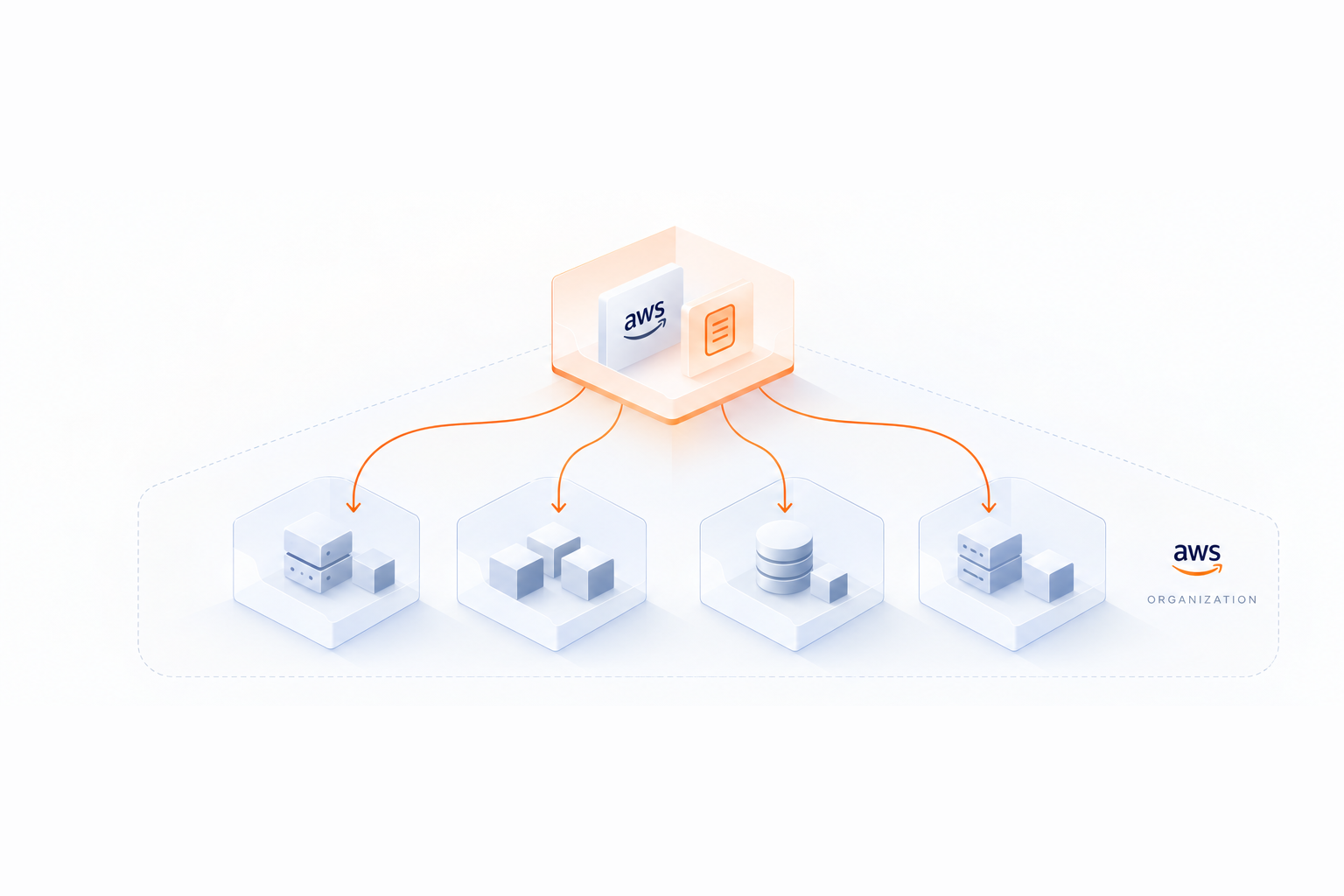
Organizations with multiple AWS accounts can leverage organization-level rules to enforce consistent optimization policies across their entire cloud estate. This scalability reduces management overhead while ensuring savings are captured.
Gradual Rollout
For more critical environments, such as production, teams may choose to test automation on a subset of resources before expanding its scope. This approach builds confidence in the system’s reliability.
Key Takeaways
- Automated EBS Optimization: AWS Compute Optimizer now supports two key automated actions - cleaning up unattached EBS volumes and upgrading GP2 volumes to GP3.
- Safety First: Multiple built-in safeguards, such as resource state validation and rollback options, ensure safe implementation.
- Customizable Rules: Users can define automation rules based on tags, regions, or volume attributes, tailoring the process to fit their needs.
- Real-Time Control: Changes to rules or configurations take effect immediately, providing flexibility and responsiveness.
- Non-Disruptive Upgrades: Transitions to GP3 volumes occur without downtime, delivering better performance at lower costs.
- Organizational Scalability: Automation rules can be applied across entire AWS organizations, streamlining cost management.
- Centralized Visibility: A comprehensive dashboard provides a historical record of actions, making it easy to track impact and savings.
Conclusion: A Step Toward Effortless Optimization
AWS Compute Optimizer’s new automation features represent a significant step forward in cloud cost management. By addressing common challenges like unattached EBS volumes and outdated volume types, these tools empower organizations to achieve meaningful savings with minimal effort. With robust safeguards and flexible configurations, decision-makers can confidently automate optimizations across their environments.
For cloud leaders, this marks an opportunity to reduce operational overhead, improve financial efficiency, and focus on higher-value initiatives - all while maintaining the security and performance of their cloud infrastructure. The journey to a leaner, more optimized cloud starts here.
Source: "Stop Overpaying for EBS I The Keys to AWS Optimization | S16 E3" - AWS Events, YouTube, Feb 6, 2026 - https://www.youtube.com/watch?v=eKw7f6CFhUM