Why Platform Teams Should Deploy AWS Reserved Instances and Savings Plans in Empty Dedicated Accounts

In short
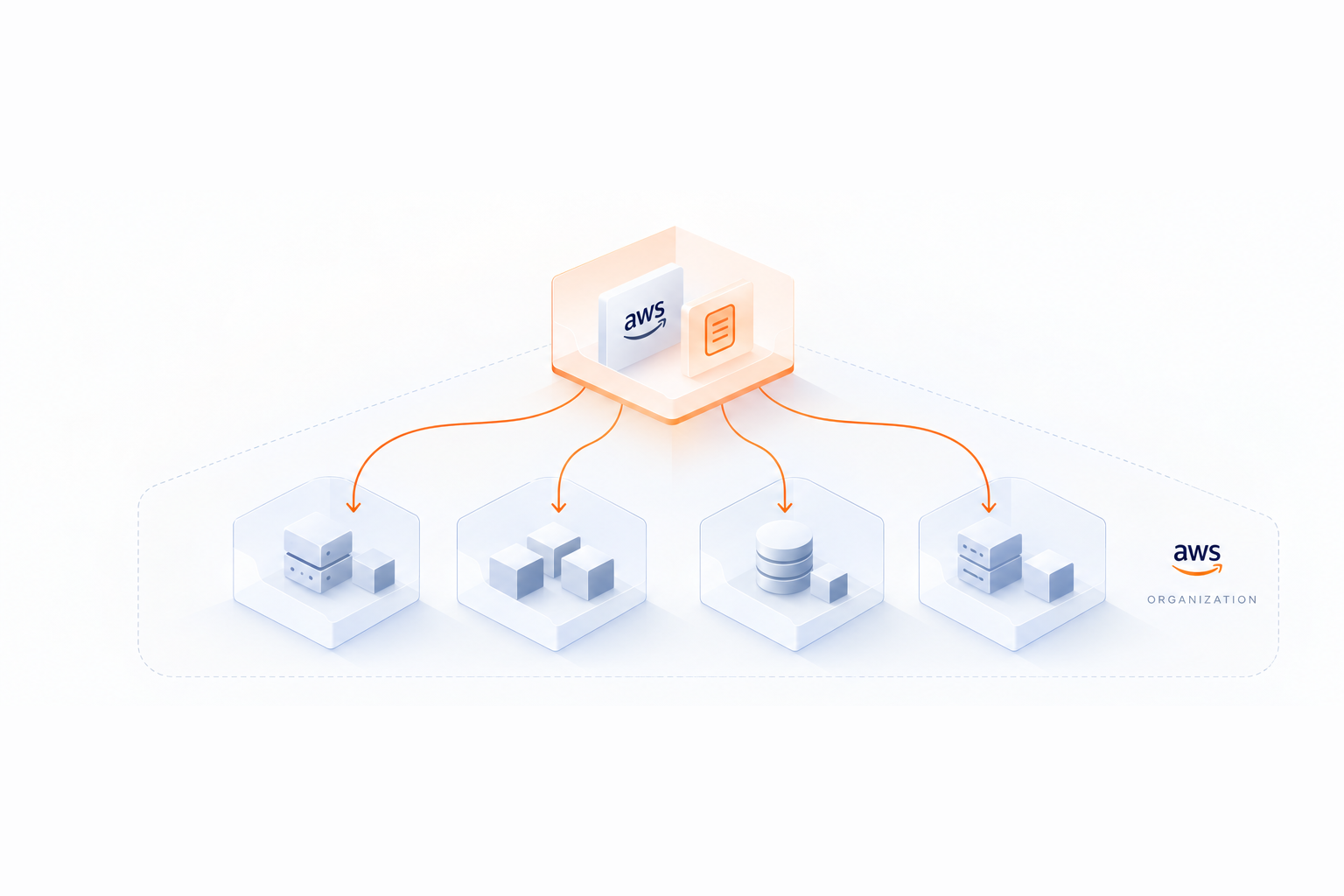
AWS applies Savings Plan and Reserved Instance discounts first to the account that purchased and holds them, before the rest of the Organization. Buying them in an empty, dedicated account lets them cover the usage with the best discount, keeps them separate from your workloads, and opens the way to remove them from your Organization if you end up over-committed.
Introduction
Most discussions about AWS commitments concern what perimeter should be covered, to what level and over which terms. Where to buy those commitments gets much less attention, although it matters more than it seems.
In many Organizations, commitments live in the payer account or in the main production account, simply because that is where the first Savings Plan was bought. But here is why purchasing them in dedicated, empty accounts is the better way.
I. How AWS applies commitments to usage
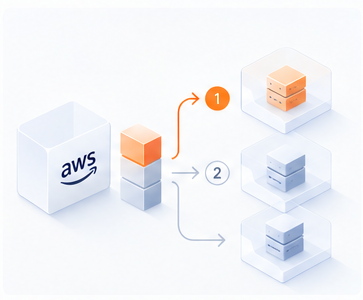
In an AWS Organization, a Savings Plan or Reserved Instance bought in any account applies to eligible usage across the whole Organization, as long as discount sharing is enabled, which is the case by default.
The order in which AWS applies them is less known.
- Savings Plans and Reserved Instances are applied first to the owner account’s usage, and then to other accounts’ usage
- Within an account, they apply to usage with the highest discount first, then the next one, until the hourly commitment is used up. But the owner account is always served before the other accounts, whatever the discount on its own usage
II. Better overall rates
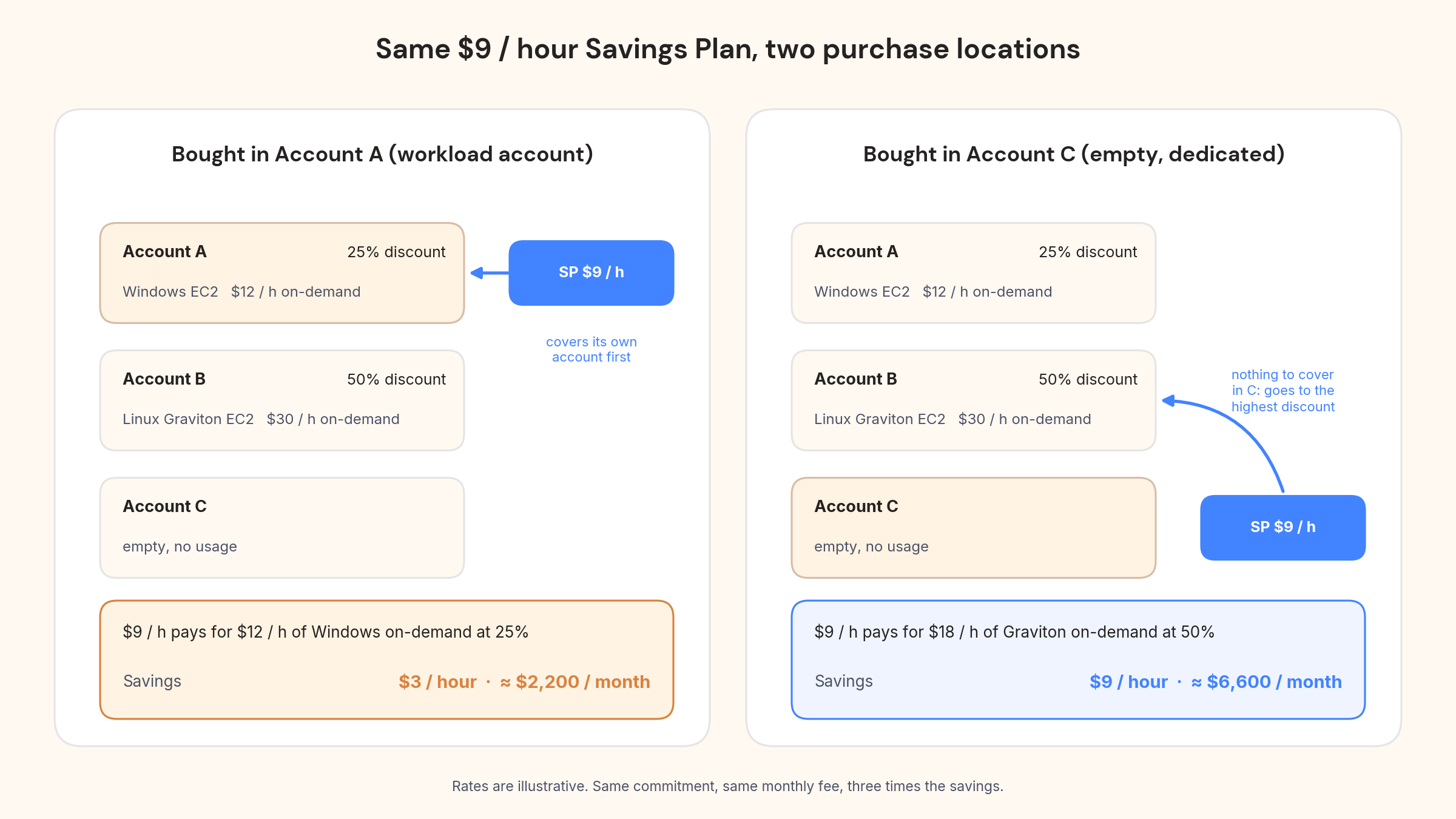
Take an Organization with two workload accounts and a $9/hour Compute Savings Plan. Rates are illustrative.
- Account A runs $12 / hour of on-demand Windows EC2. Compute Savings Plan discount on that usage: 25%
- Account B runs $30 / hour of on-demand Linux Graviton EC2. Compute Savings Plan discount on that usage: 50%
If the Savings Plan is bought in Account A, it covers Account A first. The $9 / hour pays for $12 / hour of Windows on-demand at the 25% rate and is used up.
Savings: $3 / hour, about $2,200 / month. Account B is billed on-demand.
If the Savings Plan is bought in an empty Account C, there is nothing to cover there, so it goes to the highest discount in the Organization. The same $9 / hour pays for $18 / hour of Linux on-demand at the 50% rate.
Savings: $9 / hour, about $6,600/month.
Same commitment, same monthly fee, three times the savings.
This effect is strongest on Compute Savings Plans, because they cover the widest range of discounts, e.g. Linux vs Windows, EC2 vs Fargate vs Lambda, one instance family vs another.
But EC2 Instance Savings Plans are affected too, since discounts vary by operating system and tenancy within a family.
So are Database Savings Plans: RDS serverless (Aurora Serverless) usage is discounted at 35%, vs. 20% for provisioned instances, and DynamoDB provisioned throughput at only 12%.
A Database Savings Plan bought in the account hosting your provisioned RDS fleet may never reach your Aurora Serverless clusters in another account, which yield the highest discount.
Reserved Instances are the exception. An RI only matches usage with the same attributes (family, region, platform, tenancy), so its discount is the same wherever it lands. Placement does not change the rate of an RI. Regardless, it is still recommended to apply the same logic to Reserved Instances as the next two points still apply.
III. Cleaner separation
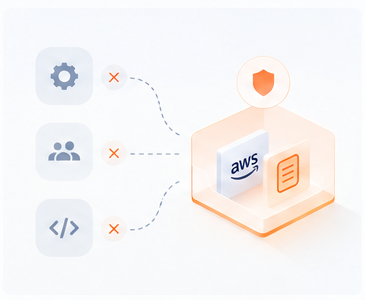
Commitments are financial instruments with a one or three year life. Workloads have their own lifecycle, decided by engineering teams. Keeping them in separate accounts is simply cleaner:
- Workload accounts can be reorganized, handed over or closed without checking what commitments they hold
- Commitment fees are billed to the purchasing account. In a dedicated account, they appear in one place instead of on a team’s account that happens to host them
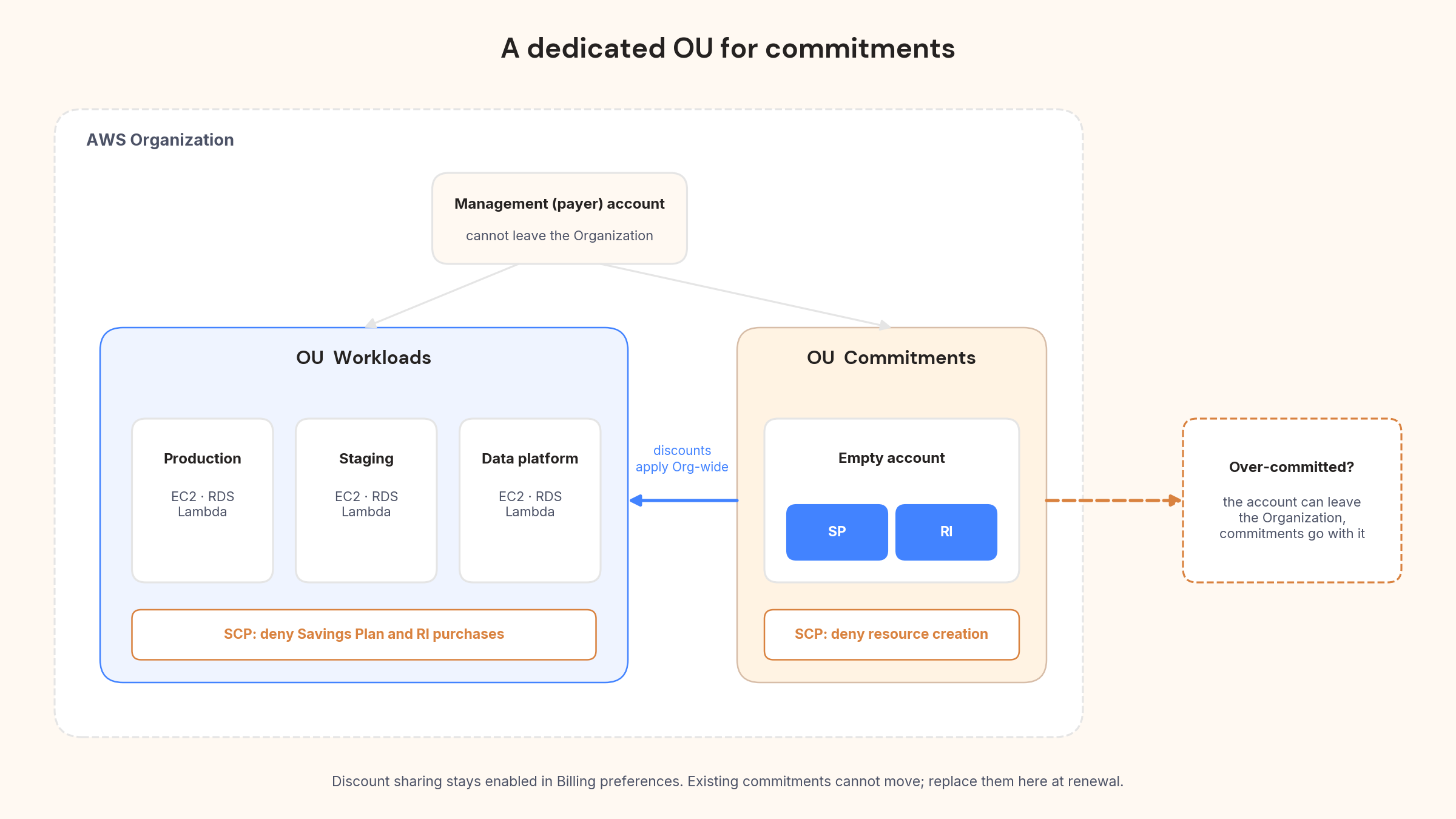
- Purchases can be restricted to that account with a Service Control Policy, and the account can be kept empty with another one. Nothing gets bought or launched where it should not be.
The fee point has a flip side: the dedicated account now carries a cost that nobody in it consumed, which makes AWS native reporting of savings harder to read.
This is what showback reporting is for. Opsima’s showback report takes the commitment cost from the account that bought it and reallocates it to the accounts that used the commitment, so each account, team or tag sees the price it actually paid, discount included, and the totals still add up to the AWS bill.
IV. Movable commitments
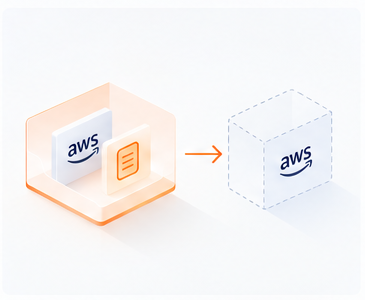
Once purchased, a Savings Plan or Reserved Instance stays with the account that bought it. It cannot be transferred to another account, and it cannot be cancelled. If usage falls below commitment, after a migration to Graviton, a product decommissioned or a workload moved to Spot, you pay the hourly fee until expiry.
There is one thing that can be moved, however: the account itself. An account can leave an Organization, and whatever it holds goes with it. This is the only way a commitment ever leaves your bill before its term, and it will be much easier if the account holds nothing but commitments. A Savings Plan bought in a production account is tied to that account for good.
Usage that dropped on your side exists somewhere else, and players who manage commitments across a portfolio, like Opsima, can absorb a commitment that no longer has matching usage.
V. How to set it up
- Create a dedicated OU with one or several empty member accounts. Prefer member accounts over the payer: payer accounts often carry some usage, and a payer account cannot leave its Organization.
- Add an SCP denying resource creation in that OU, and one denying commitment purchases everywhere else.
- Check that discount sharing is enabled in Billing preferences.
- Buy new commitments there. Existing ones cannot be moved between accounts: let them expire and replace them in the dedicated account.
Conclusion
Where you buy your AWS commitments is a one-time decision that affects their whole life. A dedicated, empty account:
- Lets Savings Plans go to the highest-discount usage in your Organization instead of whatever runs next to them
- Keeps financial instruments separate from infrastructure, with clean attribution and one place to govern purchases
- Makes commitments movable, which is the only way out of over-commitment before expiry
If your Savings Plans currently sit in a workload account, you cannot move them, but you can decide today that the next ones go in a dedicated account.